
Blog - About responsive behaviour
- Published in Blog
- Read 3095 times
- font size decrease font size increase font size
- Be the first to comment!
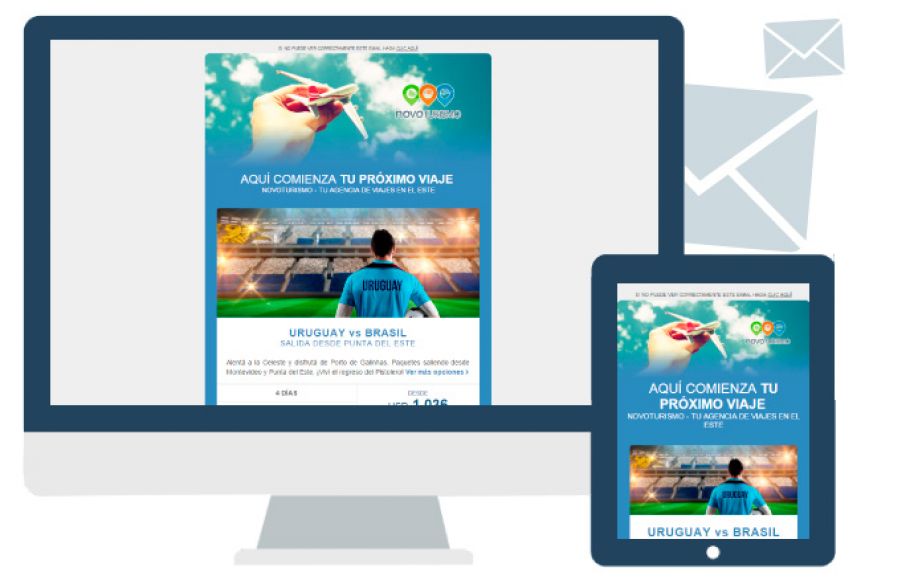
Responsive designs and responsive templates have become a bit of a buzz word in recent days.
Especially since Google Search has started showing preference for websites which do have a responsive layout to websites which do not, people have started looking at responsive templates as something of a must have.
But what exactly is a responsive design, and what makes a template responsive?
First the difference between a design and a template.
This is simply where the design is the drawing of your website versus the template which is the realization of this drawing in HTML code.
For a responsive design this means that for various screen widths the designers needs to make separate designs, separate drawings.
A responsive design has multiple layouts, one for every requested screen width. At the very least this is one design for the desktop view, and one design for the smallest available mobile view (which has a minimum width of 320 pixels).
Next, responsive basically translates to adaptive; a responsive template changes the layout so that it displays its content correctly, regardless of the available width of the screen on which it is being displayed.
This can mean that on a full screen layout there are more modules visible then on a small mobile screen, or it can mean that content modules are being shifted to new positions on a smaller screen. But usually it is a combination of both.
To realize a responsive template, it takes a lot of extra coding to define how or where content blocks should shift when the available screen width becomes less.